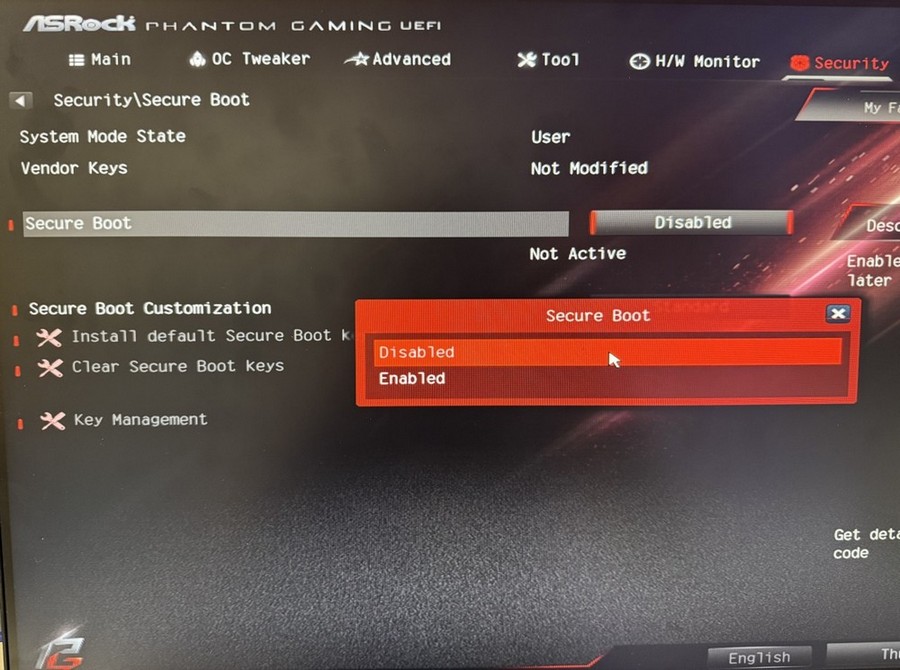

[家居電腦維修]Intel CPU, B365M PHantom Gaming 4玩英雄聯盟,顯示Vanguard發生未預期的錯誤。此程式將會關閉

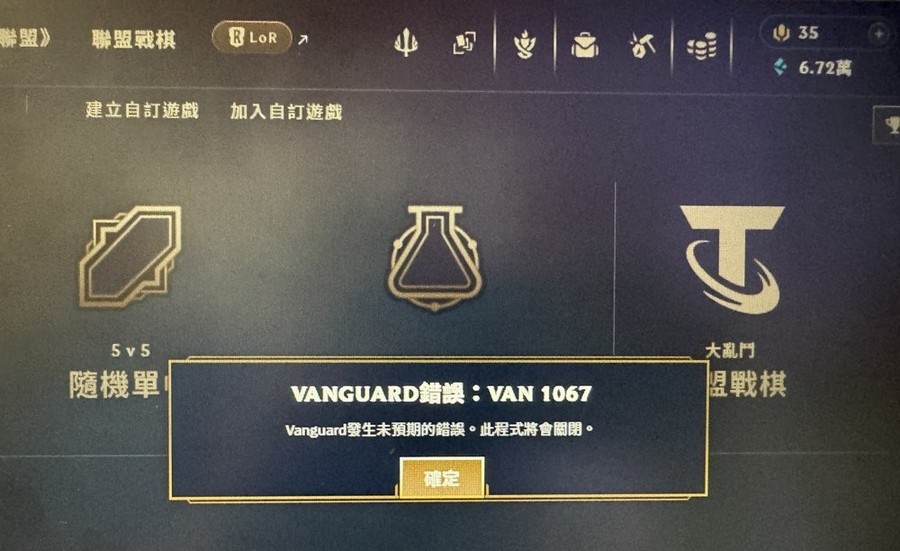
問題:
Intel CPU, B365M PHantom Gaming 4玩英雄聯盟,顯示Vanguard發生未預期的錯誤。此程式將會關閉;
解決方法
根據下方步驟設置即可;
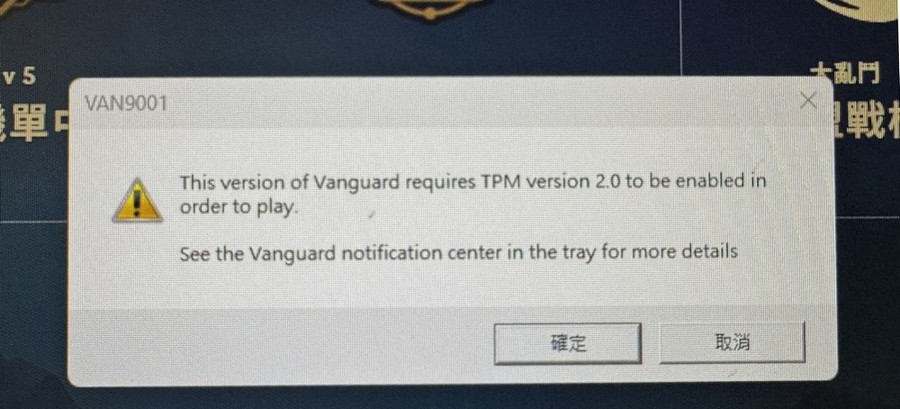
1.This version of Vanguard requires TPM version 2.0 to be enabled in order to play.See the Vanguard notification center in the tray for more details(此版本的Vanguard需要啓用TPM版本2.0才能播放,有關更多詳細資訊,請參閲托盤中的Vanguard通知中心);
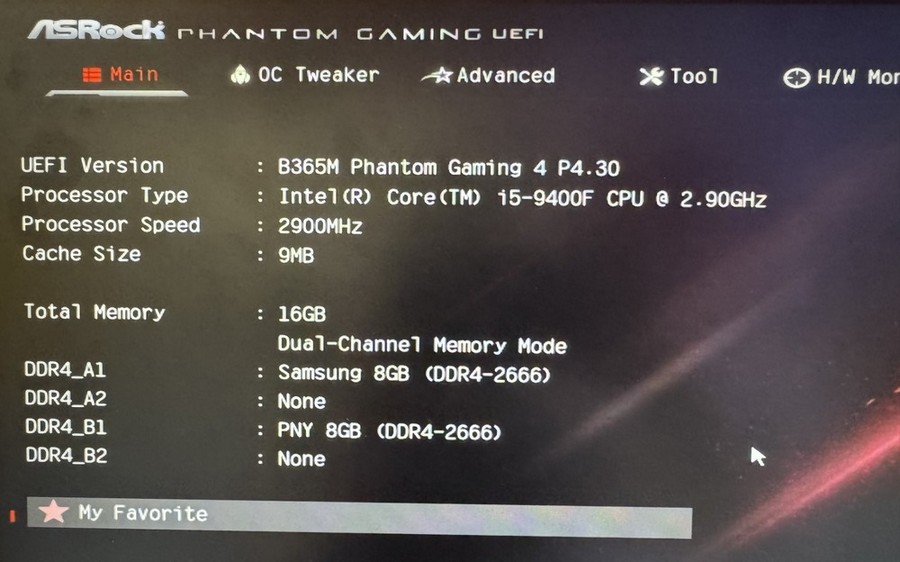
2.B365M PHantom Gaming 4 P4.30 , Intel CPU i5-9400F;
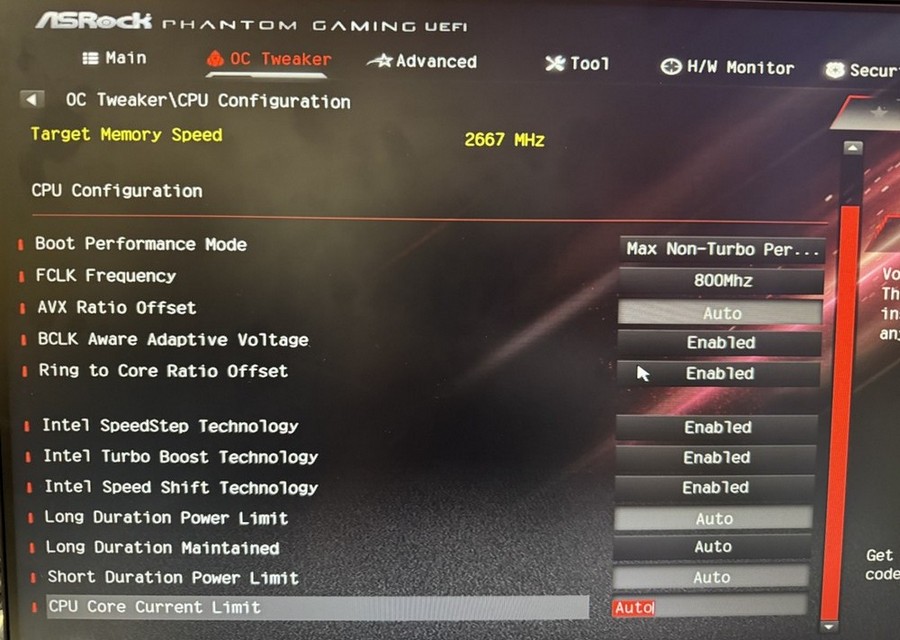
3. 檢查OC Tweaker 設定;
4. 根據圖中所示按步驟設置,Intel Platform Trust Technology (PTT) 改為 Enabled。;
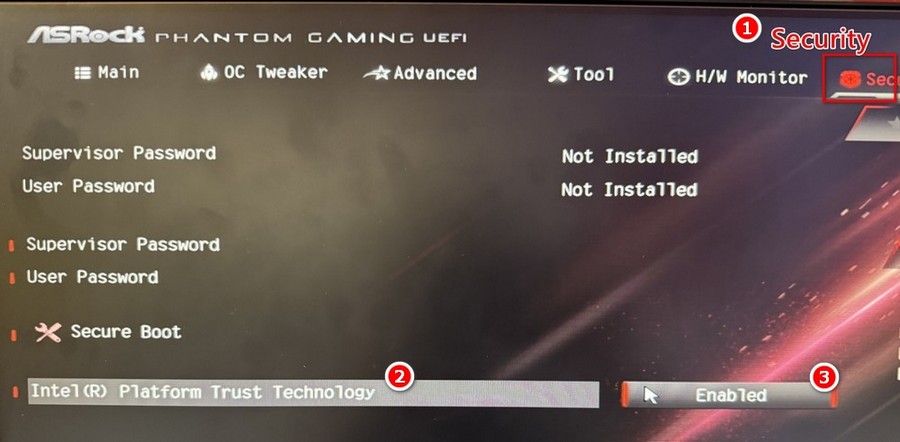
5.將Secure Boot 改為 Enabled即可;